Last updated:
Offline Mode & PWA
GorkyCAD is a Progressive Web App (PWA) — works fully offline after first visit.
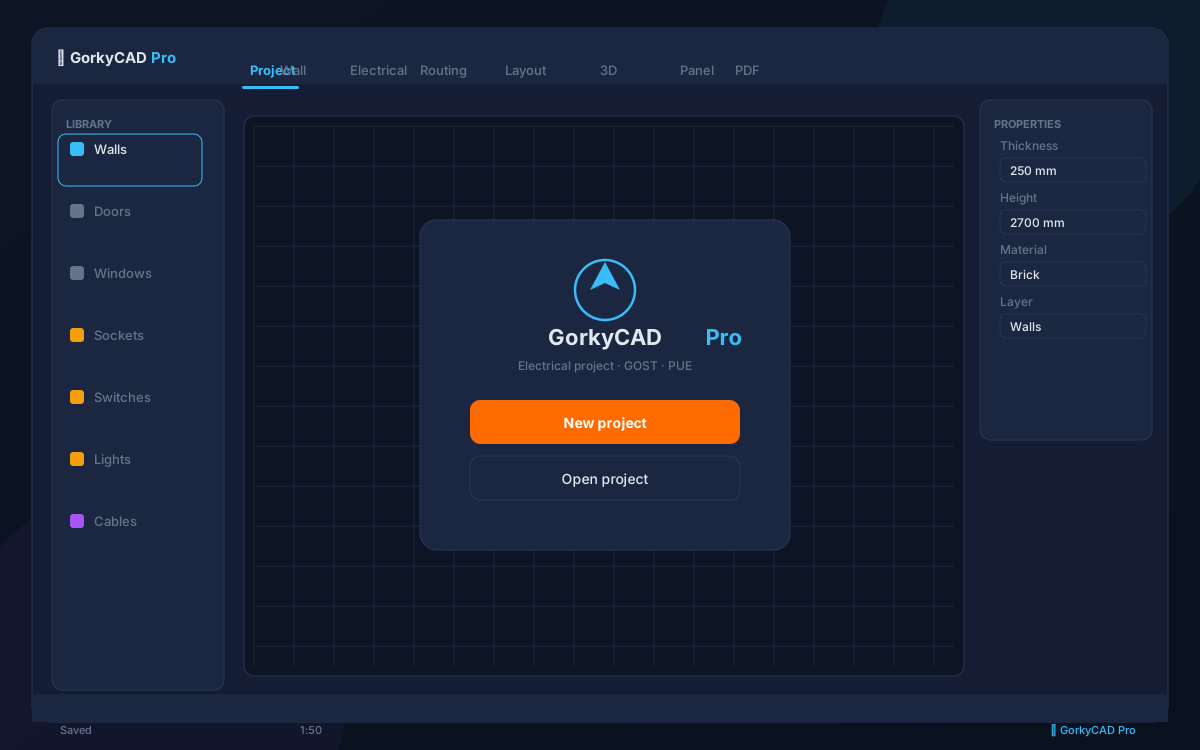
Installing the App
- Open GorkyCAD in Chrome/Edge
- Click the install icon in the address bar
- GorkyCAD launches as a desktop app with its own window
Offline Capabilities
| Feature | Online | Offline |
|---|---|---|
| Floor plan drawing | ✅ | ✅ |
| Electrical object placement | ✅ | ✅ |
| All calculations | ✅ | ✅ |
| AI assistant | ✅ | ✅ (local) |
| PDF export | ✅ | ✅ |
| Cloud sync | ✅ | ❌ |
| Updates | ✅ | ❌ |
Local Storage
Projects are stored in browser IndexedDB — no server dependency. Storage limits: typically 500 MB+ depending on browser and disk space.
Syncing
When you go online after working offline, projects sync automatically (with your consent).
Frequently asked questions
Is this article free?
Yes, all articles and calculators are completely free.
Yes, all articles and calculators are completely free.
Where can I run calculations?
The site offers 21 free calculators: cable sizing, breakers, RCD, voltage drop and more.
The site offers 21 free calculators: cable sizing, breakers, RCD, voltage drop and more.
How do I prepare an electrical project?
In GorkyCAD Pro: plans, panels, calculations and a PDF set for free.
In GorkyCAD Pro: plans, panels, calculations and a PDF set for free.
Found an error in the article?
Write to hello@gorkycad.pro — specialists will review and correct it.
Write to hello@gorkycad.pro — specialists will review and correct it.