AI assistant — checks, recommendations, generation | GorkyCAD Pro
The AI assistant helps you design: checks regulations, selects equipment, generates layouts, explains calculations. 51 functions.
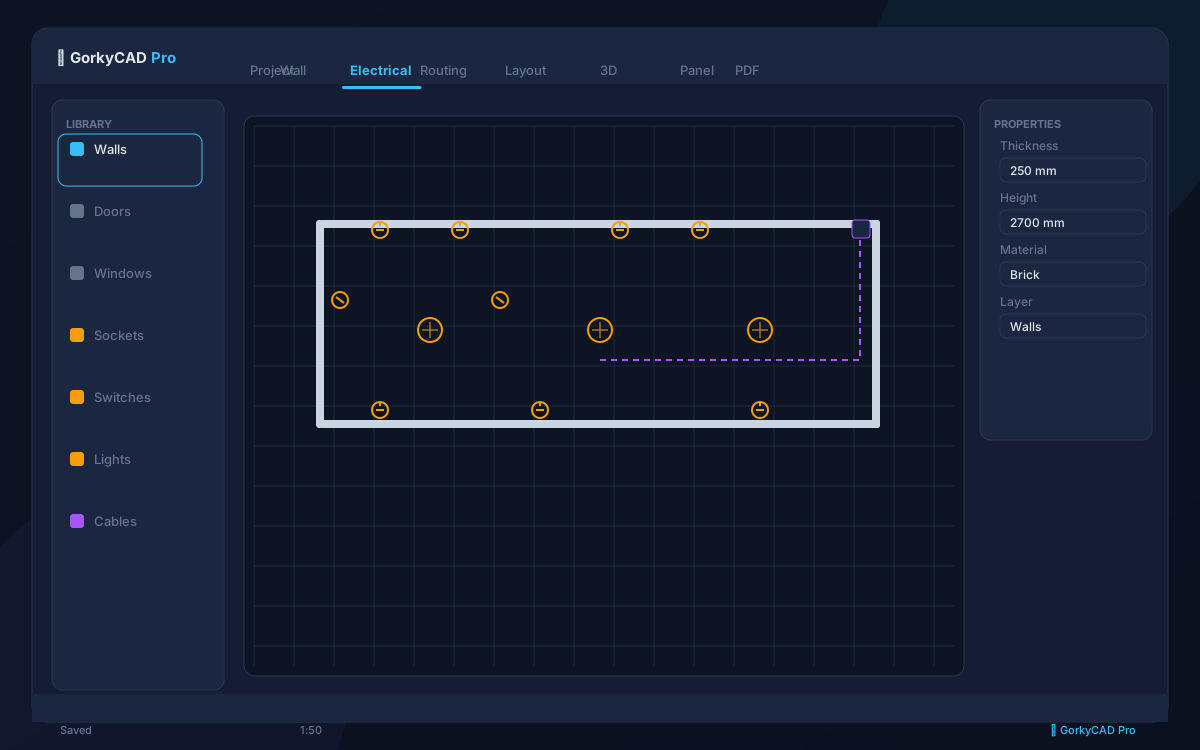
What the AI assistant can do
Regulation checks with explanation, cable and breaker selection, placement generation, BTI plan recognition, PUE/GOST Q&A (RAG search over regulations).
', 'Function Calling — 51 CAD functions
The AI does not write directly to the model — all actions go through 51 validated CAD functions (Function Calling). This eliminates hallucinations and errors.
- Create walls, doors, windows
- Place sockets and lights
- Select breakers and RCDs
- Verify calculations
RAG search over regulations
The AI searches a regulations database (PUE, GOST, SP) and quotes clauses instead of inventing them. Basic functions work offline.
', 'Safety
AI suggestions always pass engineering validation before applying. Provider keys stay on the server, data is anonymized.
']FAQ
How many AI functions?
51 CAD functions via Function Calling.
Does AI write to the model directly?
No, all actions go through validated CAD functions.
Does it work offline?
Basic checks — yes, complex queries — online.
AI tokens: what they are and how much they cost
AI tokens are the unit of AI features in GorkyCAD: auto equipment selection, route tracing, smart suggestions, description generation and RAG search over standards. Each AI operation spends a few tokens — your balance is shown in your account.
- Free: 1 000 tokens forever — try AI features;
- Pro: 20 000 tokens every month (reset monthly);
- Top-ups (with active Pro): 1 000 — 199 ₽, 10 000 — 1 490 ₽, 50 000 — 5 990 ₽;
- Purchased tokens never expire. You get a notification below 10%.
On average, 20 000 tokens cover 40-80 apartment projects with AI selection and routing.
Frequently asked questions
Yes, all articles and calculators are completely free.
The site offers 21 free calculators: cable sizing, breakers, RCD, voltage drop and more.
In GorkyCAD Pro: plans, panels, calculations and a PDF set for free.
Write to hello@gorkycad.pro — specialists will review and correct it.