Project wizard — a project in 60 seconds | GorkyCAD Pro
The project wizard creates a typical project in a minute: pick a room type — and get walls, doors, windows and basic electrical with snapping.
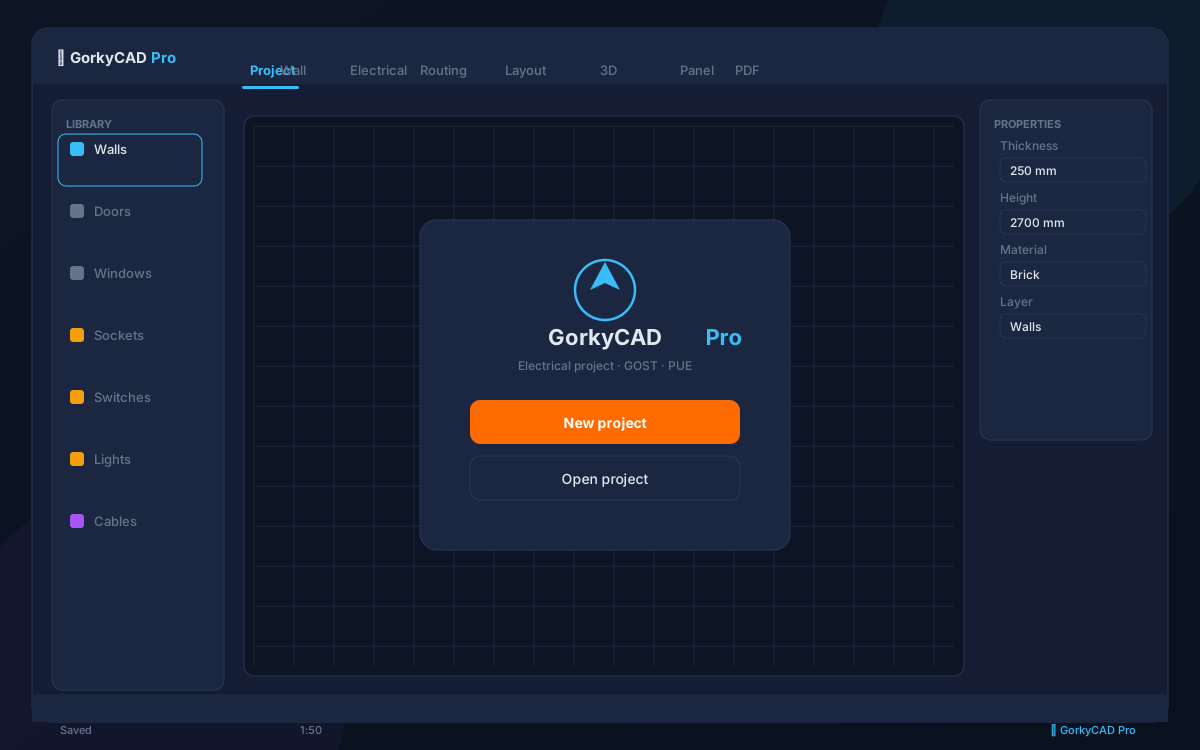
How the wizard works
Open the wizard (Ctrl+K → "wizard"), pick a type: studio, 1-4 room apartment, office or cottage. The project is created automatically.
', 'What is created
Walls and partitions, doors and windows, sockets and switches per regulations, basic lighting, a panel with breakers.
- Walls and openings
- Sockets and switches
- Lighting
- Panel with groups
Refinement
A typical project is a start. Change the layout, add devices, adjust the panel — everything recalculates automatically.
', 'Templates
A gallery of templates: studio, 1-4 rooms, house up to 200 m², open-space office, café. Each template can be scaled.
']FAQ
How long does creation take?
About 60 seconds.
Which types are available?
Studio, apartments, office, cottage.
Can I change a template?
Yes, fully.
Frequently asked questions
Is this article free?
Yes, all articles and calculators are completely free.
Yes, all articles and calculators are completely free.
Where can I run calculations?
The site offers 21 free calculators: cable sizing, breakers, RCD, voltage drop and more.
The site offers 21 free calculators: cable sizing, breakers, RCD, voltage drop and more.
How do I prepare an electrical project?
In GorkyCAD Pro: plans, panels, calculations and a PDF set for free.
In GorkyCAD Pro: plans, panels, calculations and a PDF set for free.
Found an error in the article?
Write to hello@gorkycad.pro — specialists will review and correct it.
Write to hello@gorkycad.pro — specialists will review and correct it.