Command palette Ctrl+K | GorkyCAD Pro
The command palette (Ctrl+K) is instant search over all commands, tools and settings. Type a couple of letters — and get the command you need.
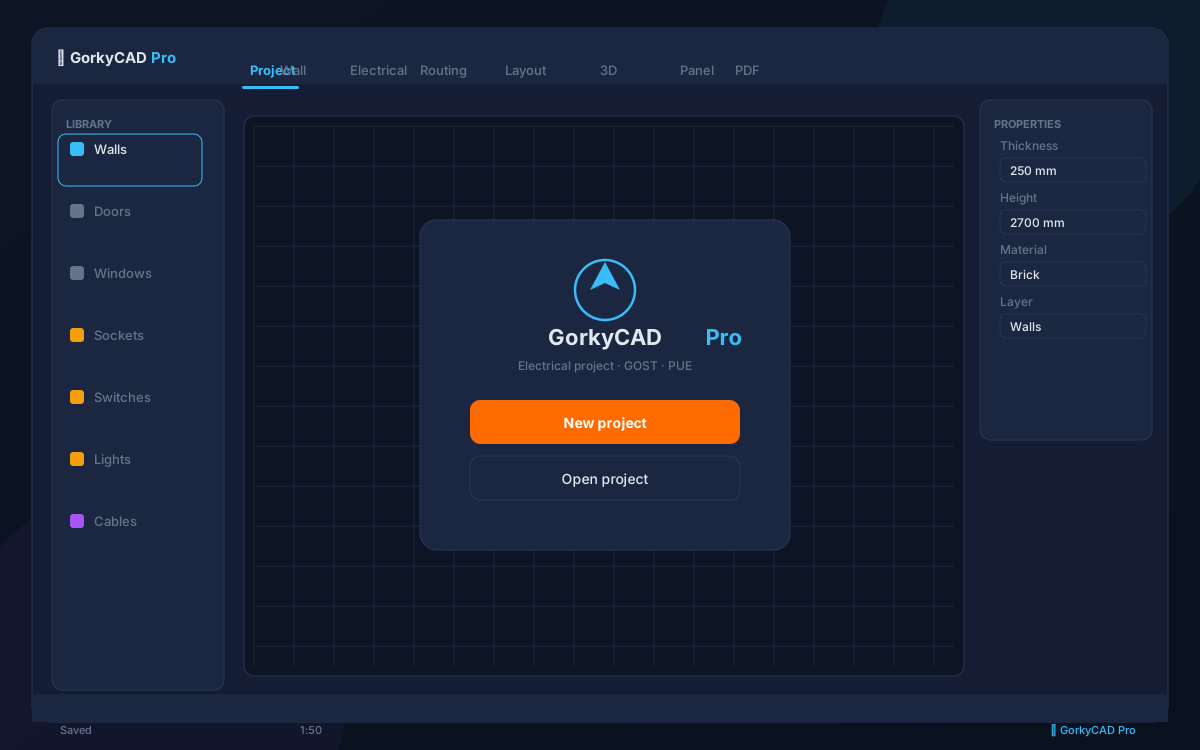
What is the command palette
A search bar over all app functions: tools, commands, settings, project stats. Works in VS Code style.
', 'How to use
Press Ctrl+K, type a command (e.g. "wizard", "wall", "PDF export") and pick it. No need to search through menus.
', 'What you can find
All tools (walls, sockets, routes), commands (undo, save), settings, project statistics.
', 'Shortcuts
Main commands have shortcuts: F1 — documentation, Ctrl+Z — undo, F7 — grid, F9 — snapping. The full list is in the palette.
']FAQ
How to open the palette?
Ctrl+K.
What does it search?
All commands, tools and settings.
Are there shortcuts?
Yes, main commands have shortcuts.
Frequently asked questions
Is this article free?
Yes, all articles and calculators are completely free.
Yes, all articles and calculators are completely free.
Where can I run calculations?
The site offers 21 free calculators: cable sizing, breakers, RCD, voltage drop and more.
The site offers 21 free calculators: cable sizing, breakers, RCD, voltage drop and more.
How do I prepare an electrical project?
In GorkyCAD Pro: plans, panels, calculations and a PDF set for free.
In GorkyCAD Pro: plans, panels, calculations and a PDF set for free.
Found an error in the article?
Write to hello@gorkycad.pro — specialists will review and correct it.
Write to hello@gorkycad.pro — specialists will review and correct it.