Automatic cable routing — A*, obstacle avoidance | GorkyCAD Pro
Auto-routing lays cables from the panel to every device automatically: shortest path, wall avoidance, wiring rules.
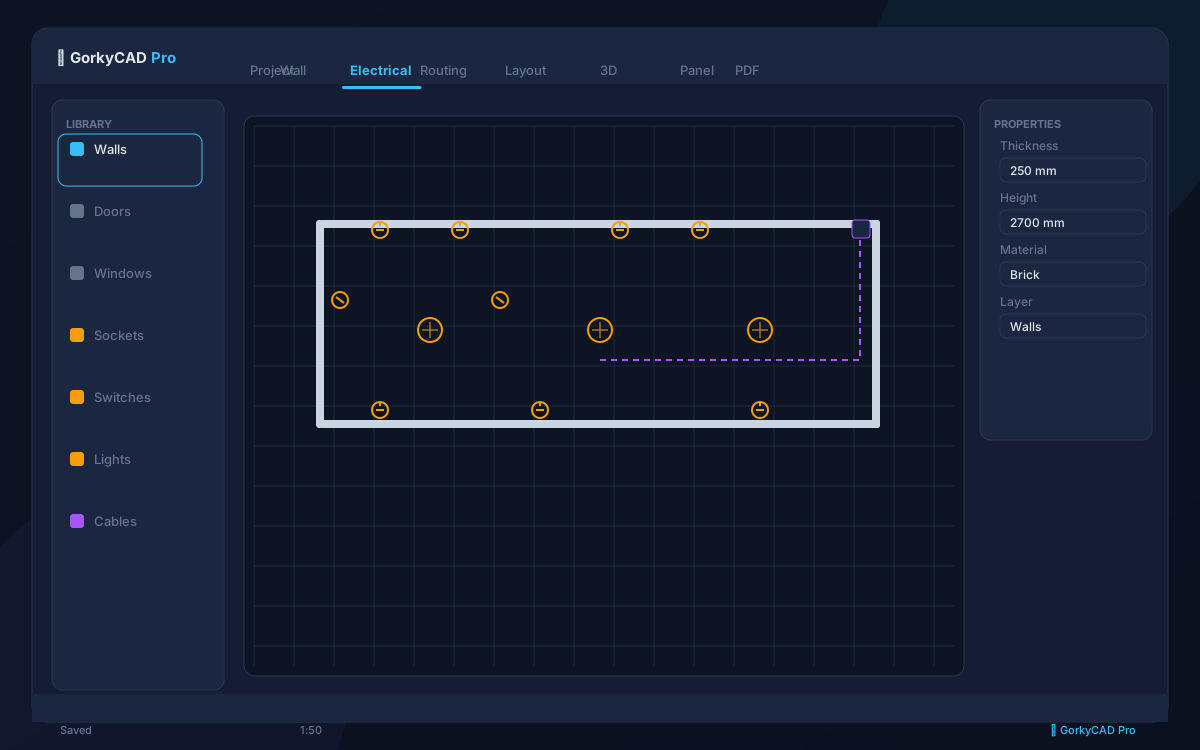
What is auto-routing
Instead of drawing every route manually, GorkyCAD Pro lays the cable from the panel to each device, going around walls and obstacles per the rules.
', 'The A* algorithm
The A* algorithm finds the shortest path on a grid while avoiding obstacles (walls, openings). Routes go along corridors and walls, not through them.
- Shortest path
- Wall and obstacle avoidance
- Routing along corridors
- Minimum bend radii
Manual adjustment
An auto-route can be adjusted manually: drag points, change the path. All changes are reflected in cable length and the cable schedule.
', 'Export
Routes are part of the plan and are used to compute cable length in the specification and estimate.
']FAQ
Which algorithm is used?
A* — shortest path with obstacle avoidance.
Can I edit routes manually?
Yes, by dragging points.
Is length included in the estimate?
Yes, route length goes into the cable schedule and estimate.
Frequently asked questions
Yes, all articles and calculators are completely free.
The site offers 21 free calculators: cable sizing, breakers, RCD, voltage drop and more.
In GorkyCAD Pro: plans, panels, calculations and a PDF set for free.
Write to hello@gorkycad.pro — specialists will review and correct it.